Made for iPhone Duo and iOS 27.1

A progress photo app made for the fold.

Shapen uses what iPhone Duo adds: the hinge as a tripod, the outer display as a viewfinder you can see, and two pages for your photo and your numbers.

Coming soon to the App Store

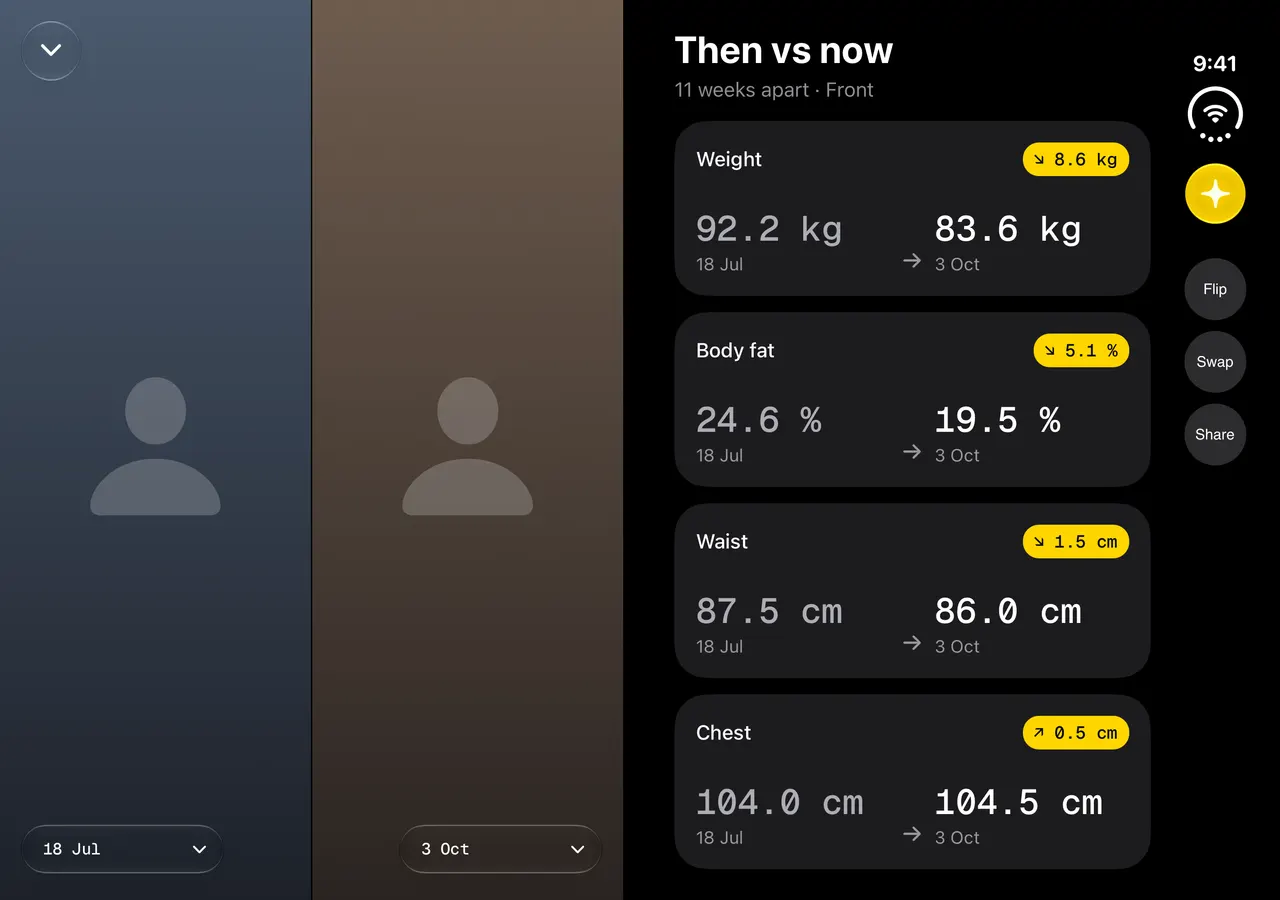
Shapen's Compare on iPhone Duo held open on its side: two progress photos side by side, with weight, body fat, waist and chest then and now

Tripod

Half-fold it and it’s the tripod.

Stand iPhone Duo half-folded on a table and the viewfinder moves to the upright half, with the controls on the flat half. A 10-second self-timer gives you time to step back, and last week’s outline sits over the viewfinder so this week’s photo lines up with the last.
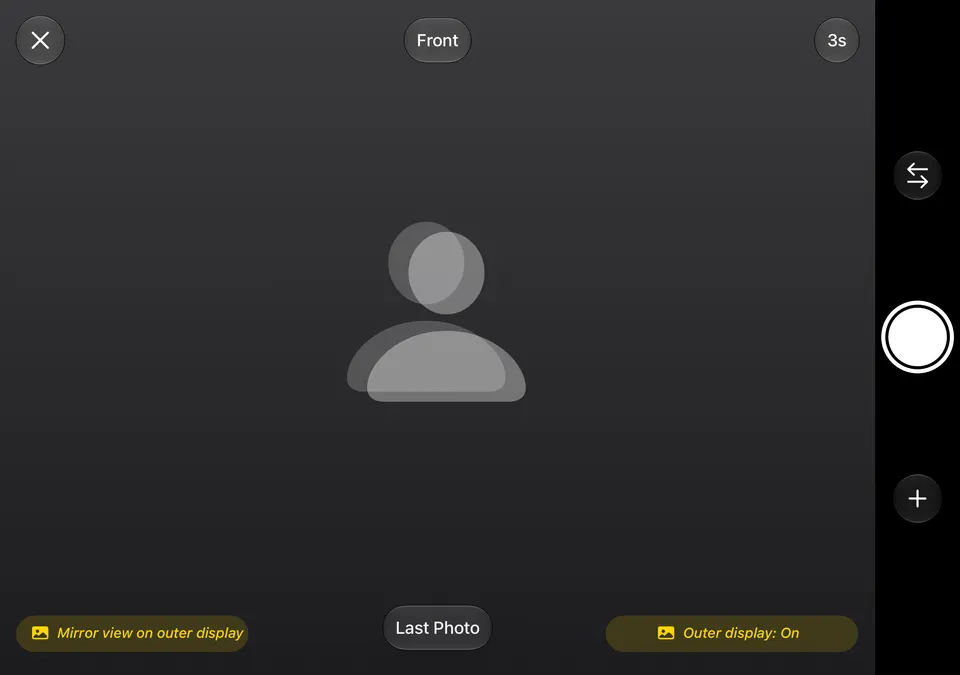
Shapen's camera on iPhone Duo's inner display, with Last Photo and the outer display switched on

Outer display

Frame yourself on the outer display.

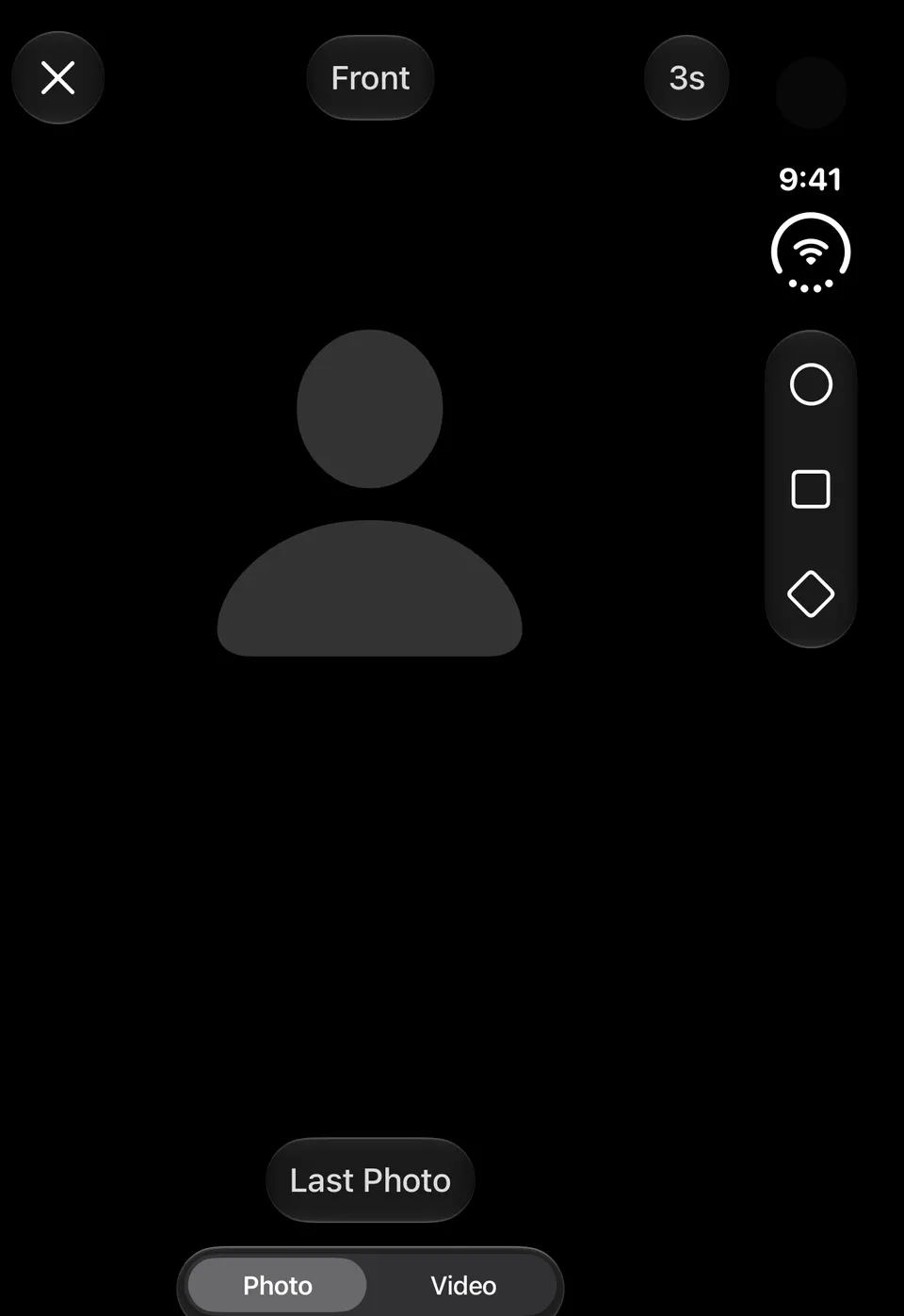
Turn on Outer Display and it shows your pose, last week’s outline and the countdown while you face the camera. You can line up the shot without a mirror or anyone to help.

Shapen's camera on iPhone Duo's outer display, with Last Photo and Photo or Video

Two pages

The photo on one page, the numbers on the other.

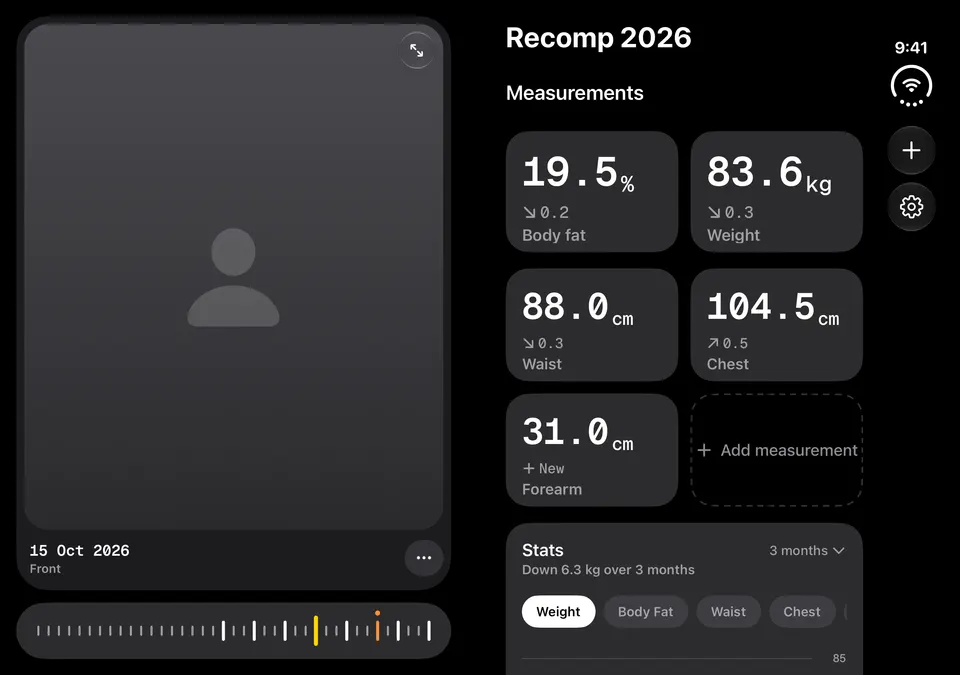
Open iPhone Duo and Shapen’s main screen becomes two pages: your photo, scrubber and timeline on one, your project and its stats on the other. There’s no sheet to pull up, and closing the phone keeps your place.

Shapen's main screen across iPhone Duo's two pages: a progress photo and timeline beside body fat, weight, waist and chest

Compare Shapen Pro

Then and now, facing each other.

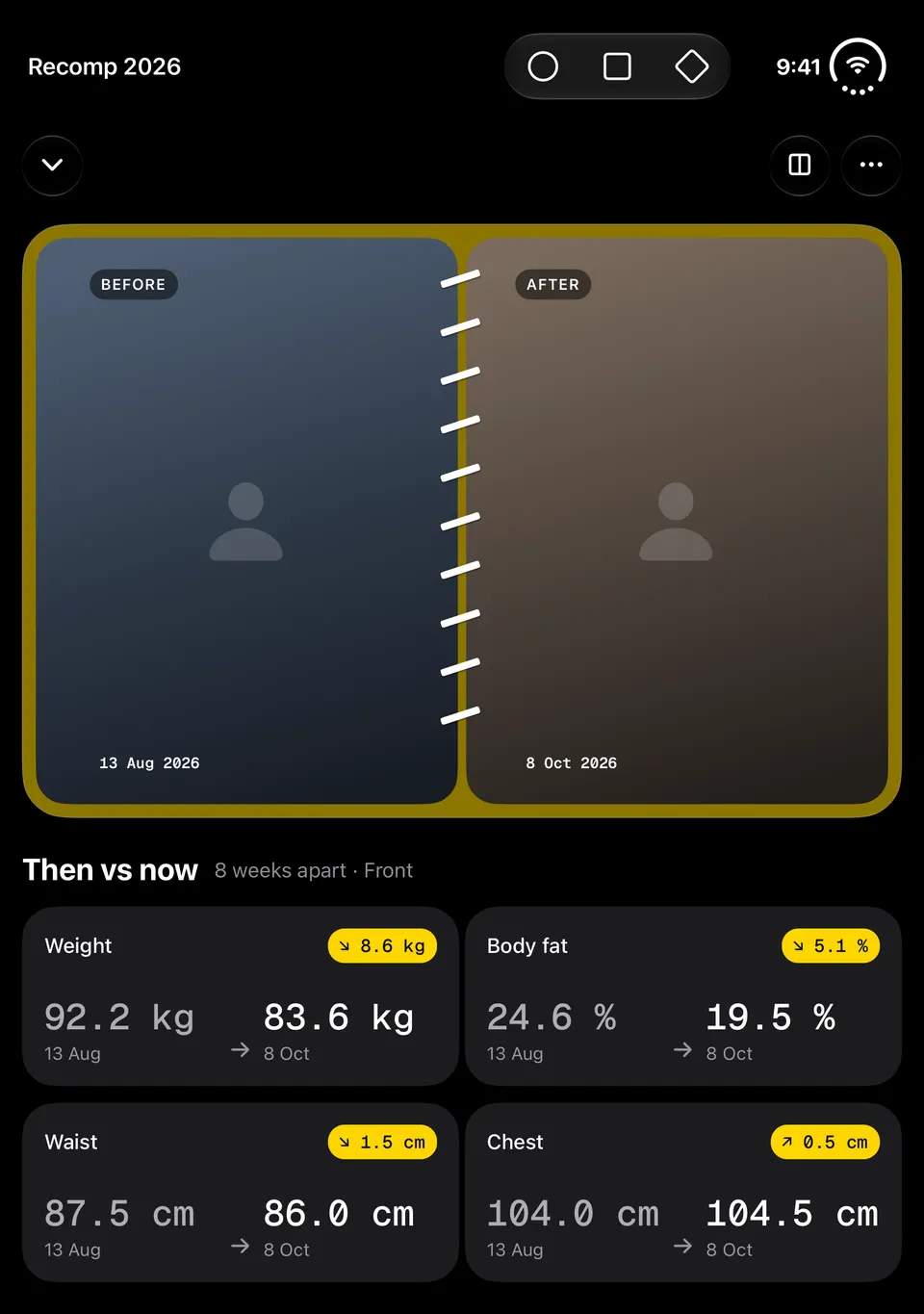
Compare opens side by side, with the slider a tap away. Open the phone like a book and your first and latest photos face each other, with every measurement they share listed then and now.

Compare on iPhone Duo opened like a book: before and after photos, then weight, body fat, waist and chest then and now

Capture styles

A pose guide beside the viewfinder.

Choose Pose Guide in Camera Options and last week’s photo in the same pose sits beside the viewfinder, with tips for matching it. Choose Photo Booth and Shapen takes the photo once your pose matches last week’s, working it out on your iPhone.

Stand Display Shapen Pro

Your weeks as a slideshow, standing up.

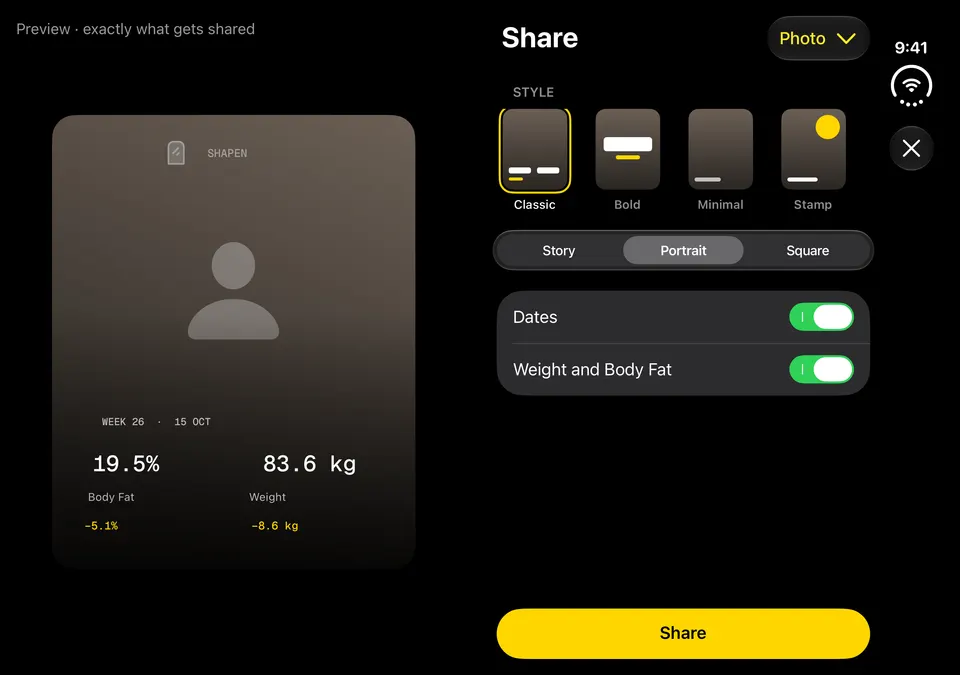
Stand the phone half-folded and play your photos as a slideshow on the inner display. It keeps the screen awake and pauses when you close the phone. When you share, the preview fills one page and the options sit on the other.

Share on iPhone Duo: a progress photo card on one page, its styles and options on the other

And everywhere else

  • Buttons and text keep clear of the hinge.
  • One layout that follows the space it’s given: folded, open, upright or on its side.
  • New Entry opens full screen, with your photos beside the form.
  • The outer display adapts when you turn it on its side.
  • All 50 languages, right-to-left layouts and the largest text sizes.
  • Made for iOS 27.1.

iPhone Duo questions

Is Shapen built for iPhone Duo?

Yes. Shapen uses iPhone Duo’s inner and outer displays and its hinge from its first release. The iPhone Duo features need iOS 27.1, which iPhone Duo comes with.

Do I need iPhone Duo to use Shapen?

No. Shapen runs on any iPhone or iPad with iOS 27 or later. On iPhone Duo it also uses the fold.

Which iPhone Duo features need Shapen Pro?

Compare and the Stand Display slideshow are part of Shapen Pro, and so is video. The two-page main screen, the tripod camera and the outer display are in the free app.

Does Photo Booth send my photos anywhere?

No. Photo Booth matches your pose on your iPhone. Your photos stay on your iPhone, and in your own iCloud if you turn on sync.

For press

Screenshots for iPhone and iPhone Duo, the app icon and the logo are in the press kit. Shapen is made by Minima Apps Limited in Manchester.

Start this week’s photo.

Free for iPhone, iPad and iPhone Duo. No account.

Coming soon to the App Store